
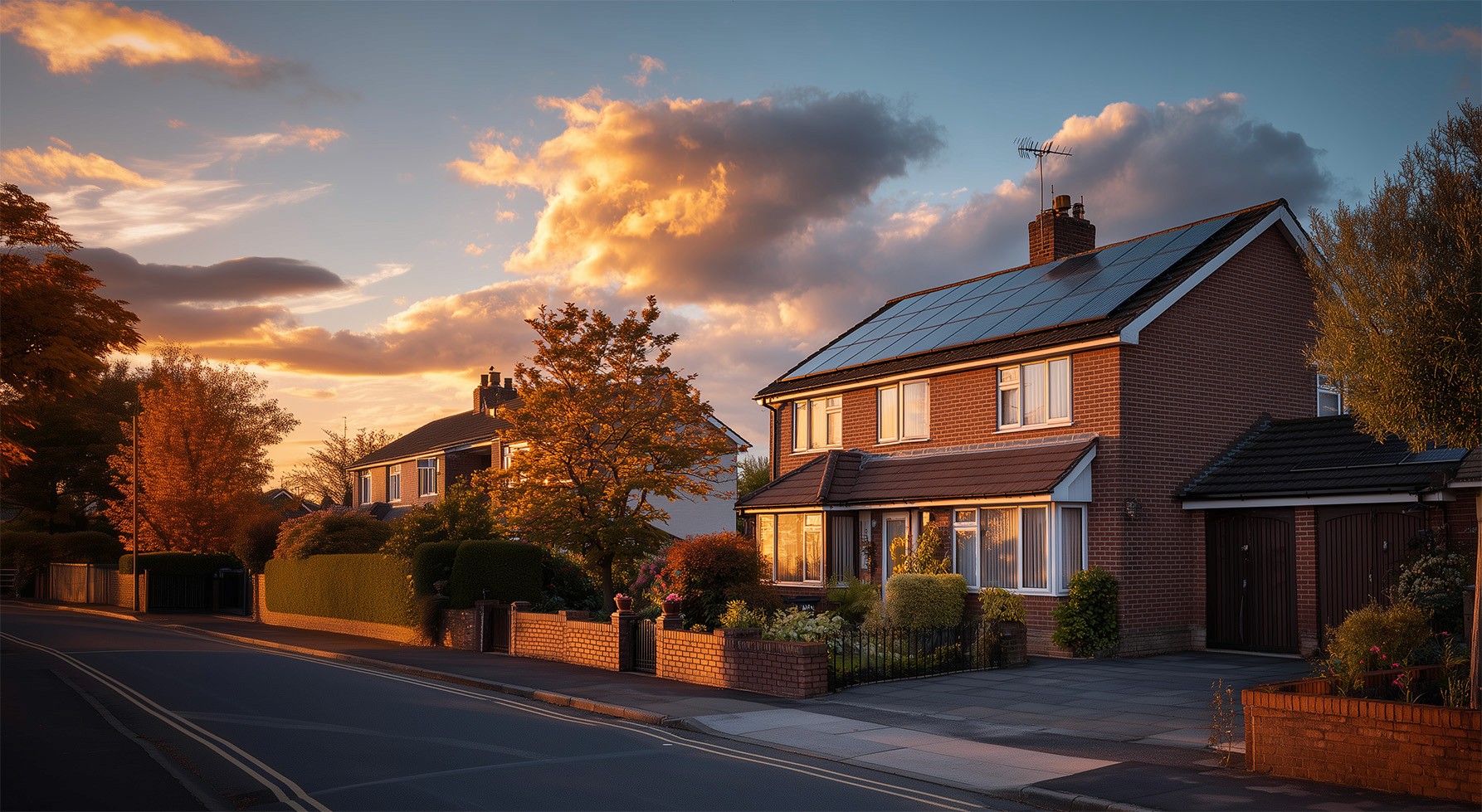

If you’re a solar installer running Google Ads in 2026, or planning to, the opportunity has never been bigger.
Search demand for residential solar continues to climb as homeowners look to cut energy bills, gain energy independence, and future-proof their homes.
But here’s the problem:
Google Ads has become far more complex than it used to be.
New automation layers, AI settings, partner networks, and campaign types can easily burn through your budget if you set things up incorrectly.
This guide breaks down — step by step — how to set up a high-intent solar lead generation campaign the right way, so you launch profitably from day one instead of wasting ad spend.
Step 1 — Create Your Campaign (Objective Selection)
When you create a new Google Ads campaign, Google will ask you to choose an objective:
Sales
Leads
Website Traffic
Awareness
For solar installers, the goal is simple:
You want leads — not traffic.
Choose:
→ Leads
or
→ Create campaign without guidance (for full control)
Avoid “Website Traffic.”
Traffic doesn’t pay for installs — booked consultations do.
Step 2 — Choose the Right Campaign Type
Google offers multiple campaign types:
Search
Performance Max
Display
Demand Gen
Shopping
Video
If you’re generating solar enquiries, start with:
Search Campaigns
Why?
Because search captures active buying intent.
You’re showing ads to people already searching:
“Solar panel installers near me”
“Solar quote UK”
“Cost of solar panels 3 bed house”
Avoid starting with Performance Max.
It spreads budget across YouTube, Display, Gmail, and Search — which dilutes lead quality early on.
Start focused. Expand later.
Step 3 — Conversion Tracking (Critical)
Before running ads, you must track conversions.
For solar, this usually means tracking when someone:
Submits a quote form
Books a consultation
Calls your business
Completes a survey / pre-qual form
Most setups track conversions via:
Thank-you pages
Form submissions
Call tracking
Without conversion tracking, Google cannot optimise your campaign.
You’re flying blind.
Step 4 — Campaign Naming Structure
Naming doesn’t affect performance — but it affects scalability.
Use clean naming conventions like:
Search | Solar Panels | Manchester
Search | Solar Battery | Leeds
Search | Commercial Solar | Birmingham
This keeps accounts organised as you expand services and locations.
Step 5 — Bidding Strategy (Beginner Setup)
Google will recommend several bidding strategies:
Maximise Conversions
Conversion Value
Clicks
Impression Share
For solar lead generation in 2026:
Start With: Maximise Conversions
Why?
Because you want Google’s algorithm focused on generating enquiries — not just traffic.
Avoid setting a Target CPA immediately.
Let Google gather data first.
You can optimise costs later once conversion volume builds.
Step 6 — Network Settings (Avoid Wasted Spend)
This is where many campaigns lose money.
Google automatically enables:
Search Partners
Display Network
Turn both OFF when launching.
Why?
Search Partners often bring low-intent traffic.
Display traffic is interrupt-based — not intent-based.
Start with pure search demand only.
Expand once profitable.
Step 7 — Location Targeting (Hyper-Local Matters)
Solar is geographically sensitive.
You only want leads from areas you install in.
Set targeting to:
→ People in or regularly in your location
Avoid:
→ Presence or interest
Otherwise, someone researching solar in London could trigger ads for your Manchester business.
Step 8 — Audience Layering (Observation Mode)
You can layer audiences like:
Homeowners
Property owners
Green energy interest
Home improvement shoppers
Set this to:
→ Observation (not targeting)
This allows data collection without restricting reach.
Step 9 — Ad Scheduling
Run ads when your team can handle enquiries.
Example:
Monday – Friday
7am – 7pm
If you offer evening consultations, extend hours.
If not — don’t pay for overnight clicks.
Step 10 — Turn OFF AI Automation (At Launch)
Google pushes AI features heavily in 2026, including:
AI keyword expansion
AI landing page selection
AI ad creation
Avoid enabling these early.
They broaden targeting too quickly and reduce control.
Launch with manual structure first.
Test AI later once profitable.
Step 11 — Keyword Strategy for Solar Campaigns
Your first campaign should focus on high-intent transactional keywords only.
Examples:
Primary keywords:
solar panel installers near me
solar panel installation UK
residential solar installers
solar panels for home
Quote & pricing:
solar panel cost UK
solar quote near me
price to install solar panels
Urgency:
solar installers available now
same week solar installation
Avoid informational keywords like:
how do solar panels work
solar panel benefits
These generate traffic — not leads.
Match Types (Important)
Use:
Phrase Match → “solar panel installers”
Exact Match → [solar panel installers near me]
Avoid Broad Match at launch.
Broad targeting wastes spend on irrelevant searches.
Step 12 — Ad Copy Structure
Your solar ads should follow proven angles:
1. Intent Match
“Solar Panel Installation Manchester”
2. Unique Selling Proposition
“MCS Certified Installers”
3. Offer
“Free Solar Savings Report”
4. Trust
“25-Year Panel Warranty”
5. Call To Action
“Get Your Free Quote Today”
You can run Responsive Search Ads with multiple headlines, but keep them unique — not repetitive.
Step 13 — Ad Extensions (Boost CTR)
Use assets to increase ad real estate:
Sitelinks:
Solar Panel Installation
Battery Storage
Finance Options
Case Studies
Callouts:
0% Finance Available
25-Year Warranty
Local Installers
Free Survey
Structured Snippets:
Services: Solar Panels, Batteries, EV Chargers
Areas: Leeds, Bradford, Wakefield
Avoid lead form extensions early — they often bring spam.
Step 14 — Budget Planning
Your budget should be based on click costs — not guesswork.
Example:
If solar clicks average £4–£8:
To get 10 clicks/day → £40–£80/day
Data requires volume.
Launching on £10/day starves campaigns.
For most UK solar installers:
£1,000–£3,000/month is a realistic starting range.
Step 15 — Device Optimisation
After launch:
Reduce tablet spend by −100%.
Tablets historically produce:
Lower volume
Lower conversion rates
Focus budget on mobile + desktop first.
Step 16 — Negative Keywords (Money Saver)
Add negatives immediately to block irrelevant searches.
Solar examples:
jobs
training
DIY
free panels government
Tesla careers
solar calculator free
This prevents wasted clicks.
Update negatives weekly using search term reports.
Final Thoughts — Launch Lean, Scale Smart
A profitable solar Google Ads campaign in 2026 isn’t about using every feature.
It’s about control, intent, and clean data.
Start simple:
Search only
Conversion bidding
Exact + phrase keywords
Local targeting
Strong ad copy
Negative keywords
Once profitable, then scale into:
Performance Max
YouTube remarketing
Display
AI automation

Why Choose Orvanti?
Expertise You Can Trust
Our team brings years of industry experience to deliver high-quality ads, conversion and prequalification systems
Tailored Approach
We craft customised strategies that align with your unique business needs and financial objectives.
Data-Driven Insights
Our cutting-edge analytics and financial modeling ensure informed decision-making for long-term success.
Proven Results
We have a track record of helping businesses enhance financial efficiency, manage risks, and achieve their goals.